
Effect catalog
Every video effect of the editor, grouped and ordered like the + Add Effect list. Click a card to open the effect’s page. How to add, compare, reorder and animate effects: Using effects.
Color & Tone
Section titled “Color & Tone”Overview and which one to choose →
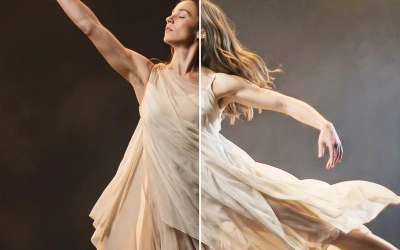 BrightnessLightens or darkens the mid-tones while black and white stay where they are.
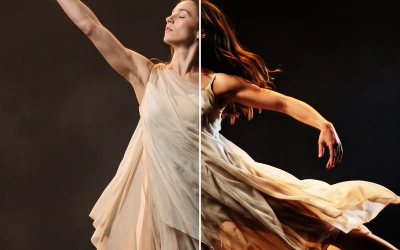 ContrastAdds punch: deeper shadows and brighter highlights on a soft S-curve that never burns out.
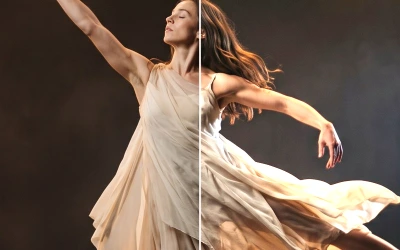 ExposureChanges the amount of light, like a camera's exposure: +1 doubles the light, −1 halves it.
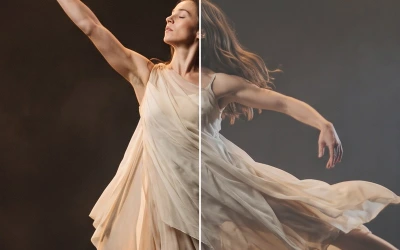 LevelsChooses which tone becomes black, which becomes white and how bright the middle is.
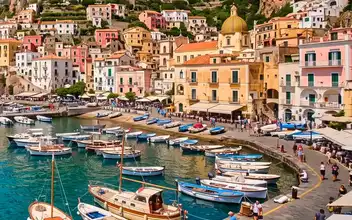 SaturationMakes colours stronger or weaker, from black and white to rich and glowing.
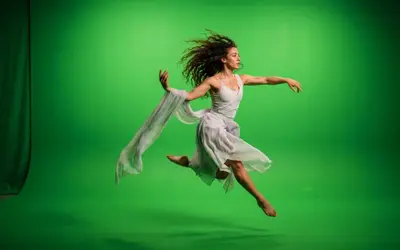 VibranceA gentle saturation that strengthens pale colours a lot and strong colours and skin only a little.
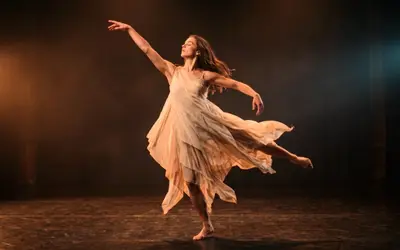 TemperatureMakes the light warmer or cooler, like the white balance of a camera.
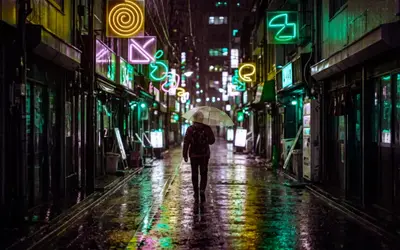 Hue ShiftTurns every colour around the colour wheel, so orange can become green and pink yellow.
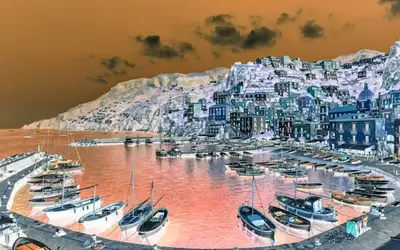 InvertTurns the picture into its negative: dark becomes light, light becomes dark, and every colour becomes its opposite.
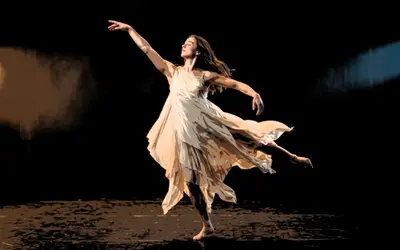 PosterizeReduces the picture to a few flat tones, like a screen print or a poster.
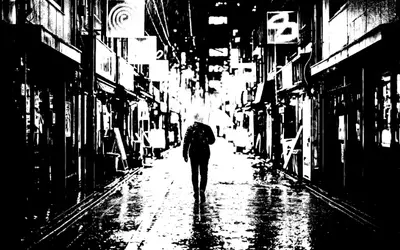 ThresholdTurns the picture into pure black and white: everything brighter than Level becomes white, the rest black.
Blur & Sharpen
Section titled “Blur & Sharpen”Overview and which one to choose →
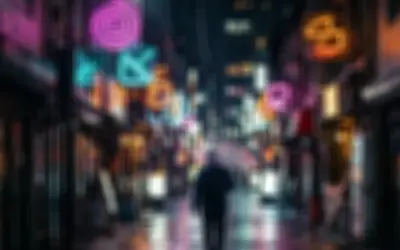 Box BlurAverages a square around every pixel: a graphic softness in which small lights turn into flat squares.
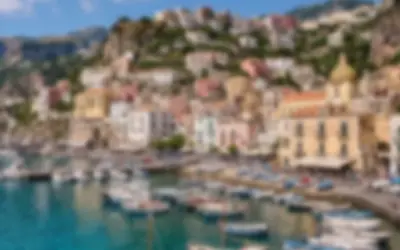 Gaussian BlurA smooth, even softening, like a lens out of focus.
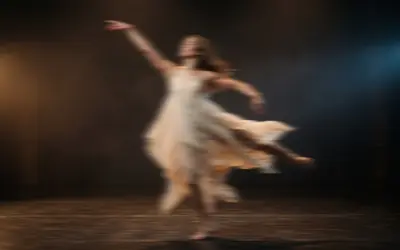 Motion BlurSmears the picture in one direction, as if the camera or the subject moved fast while the shutter was open.
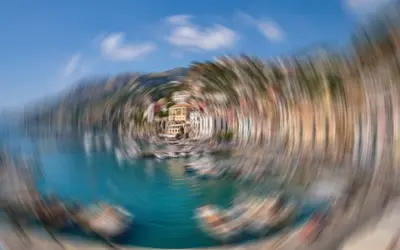 Radial BlurBlurs the picture around a centre point: Zoom streaks it outward from the middle, Spin turns it in circles.
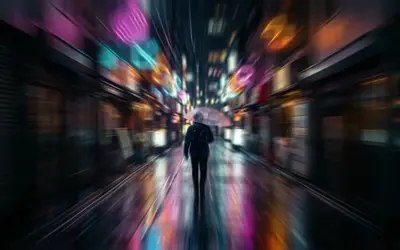 Zoom BlurStreaks the picture outward from a centre point, as if the camera rushed in while the shutter was open.
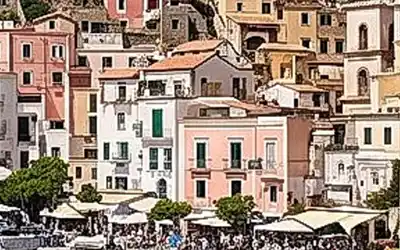 SharpenBrings out detail and crisp edges in soft footage, without the thick bright and dark outlines of strong sharpening.
Light & Stylize
Section titled “Light & Stylize”Overview and which one to choose →
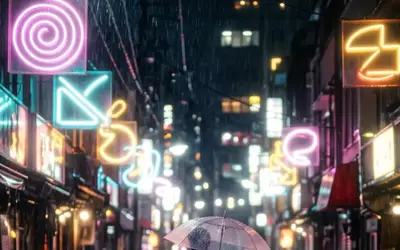 GlowMakes the bright parts of the picture shine with a soft halo, like light blooming in a lens.
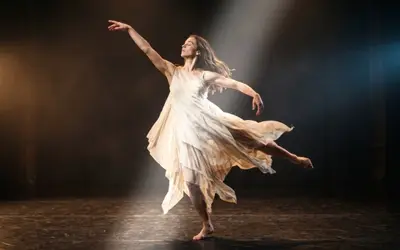 SheenA band of light that sweeps across the layer, the classic shine over a logo or a title.
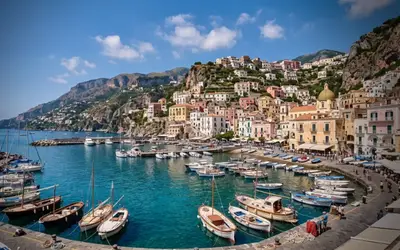 VignetteDarkens the edges and corners so the eye goes to the middle of the frame.
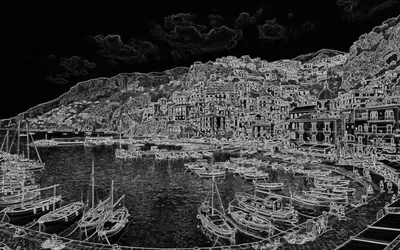 Edge DetectTurns the picture into its outlines: bright lines where things meet, dark everywhere else.
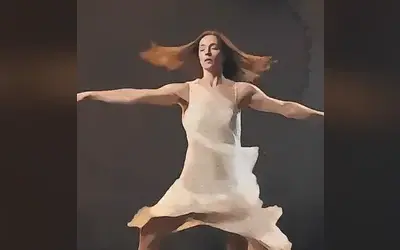 AcuarelaPaints the picture as a watercolour, with flat washes of colour and the grain of the paper.
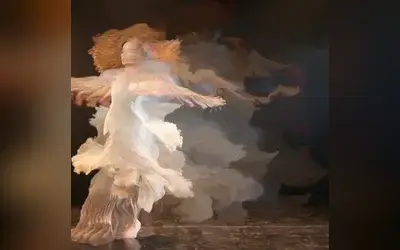 Rom1Watery smoke: bright parts of the picture leave trails that drift along slow, invisible currents and fade.
Generate
Section titled “Generate”Overview and which one to choose →
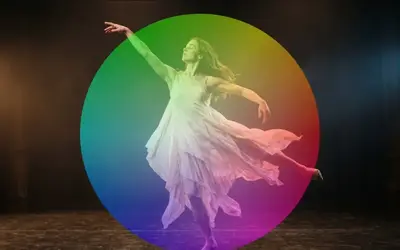 Color WheelPaints a hue wheel: the colours go round the centre and reach full strength at the rim.
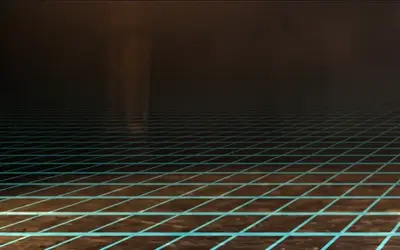 Perspective GridA glowing floor grid that runs to a vanishing point and scrolls towards the viewer: the classic retro stage floor.
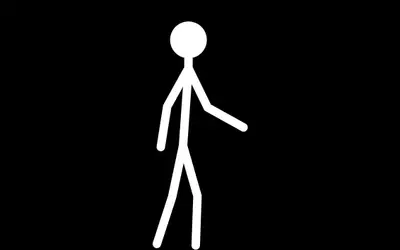 Stick FigureA posable stick figure for choreography sketches, storyboards and animated characters.
Lens & Distort
Section titled “Lens & Distort”Overview and which one to choose →
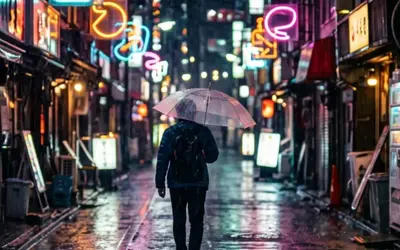 Lens CorrectionRepairs what a camera lens does to a picture: bowed lines, coloured fringes along hard edges and dark corners.
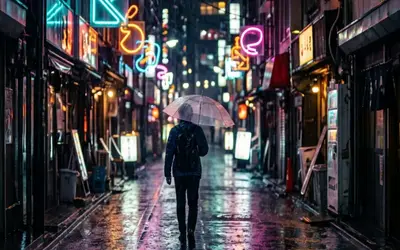 Guided PerspectiveStraightens walls and buildings that lean because the camera was tilted, from lines you draw on the photo.
- AI Edge FillFills the empty edges a lens or perspective correction leaves on a still photo with AI-made scenery.
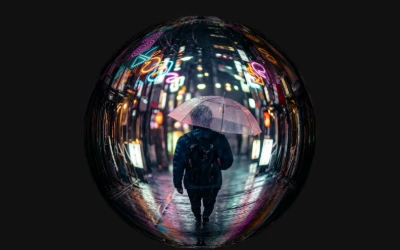 Fisheye LensThe rounded look of an ultra-wide fisheye lens: the middle comes closer and straight lines bend towards the edges.
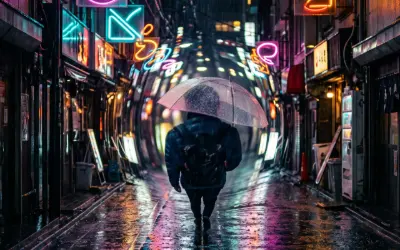 Bulge & PinchSwells a round area of the picture like a lens bump, or squeezes it together.
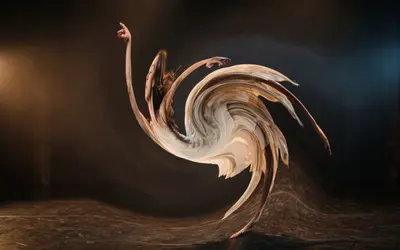 TwirlWinds the picture into a spiral around a centre point, strongest in the middle.
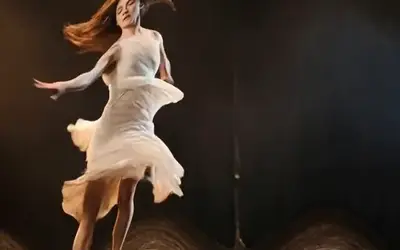 WaveRipples the picture with smooth, travelling waves, from a faint heat shimmer to a funhouse wobble.
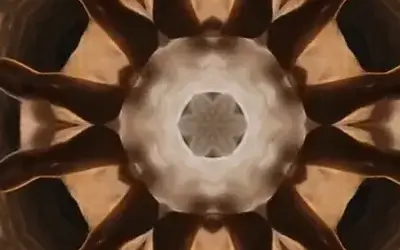 KaleidoscopeFolds a slice of the picture into mirrored wedges around a centre, like looking through a kaleidoscope.
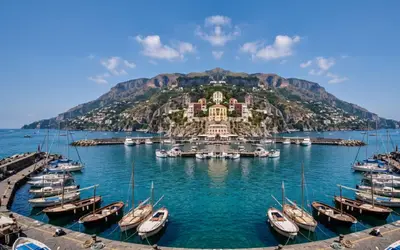 MirrorReflects one half of the picture onto the other for perfect symmetry, with a seamless mirror line.
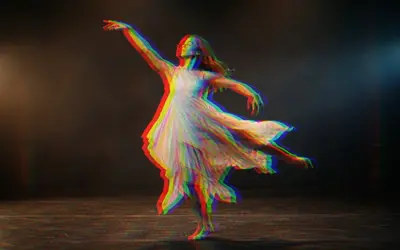 RGB SplitShifts the red and blue colour layers apart, like a misprinted poster, a cheap lens or a glitching screen.
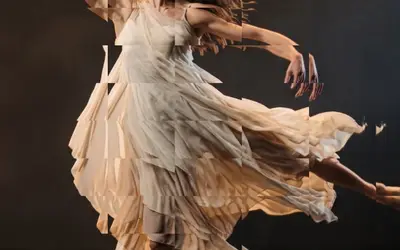 Crystal GlassLooks at the picture through cut glass: a grid of facets that each bend it a little.
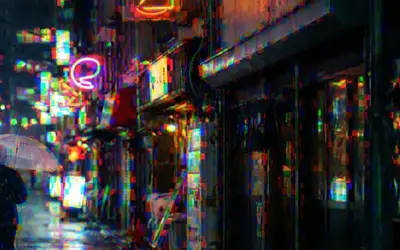 Glass DispersionSplits the colours in small cells, as if seen through rippled glass.
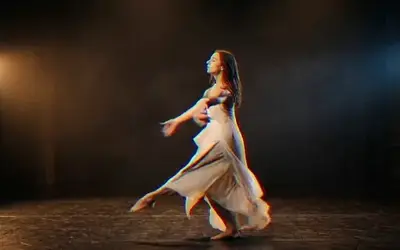 Film PrismFilm shot through a cheap lens or a glass prism: edges gain soft rainbow fringes under a fine, living grain.
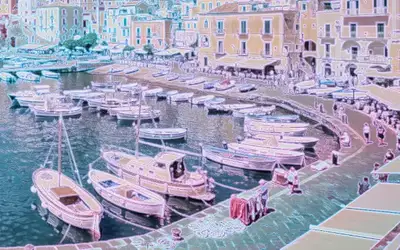 HoloLays a holographic foil over the picture: rainbow bands that bend with its tones.
Pixel & Mosaic
Section titled “Pixel & Mosaic”Overview and which one to choose →
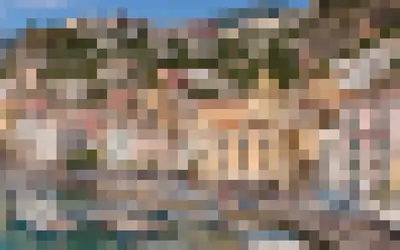 PixelateRebuilds the picture from squares, each in the average colour of what it covers.
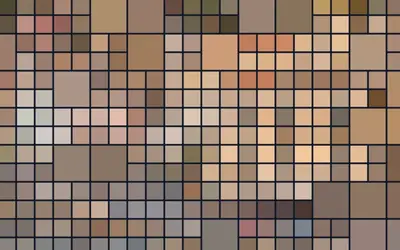 Block MosaicRebuilds the picture as a tiled wall: small tiles mixed with larger ones, separated by grout lines.
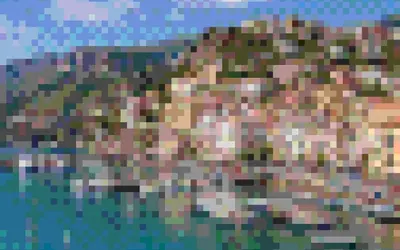 BlockifyRebuilds the picture from square blocks in a few flat colours, like an old computer game.
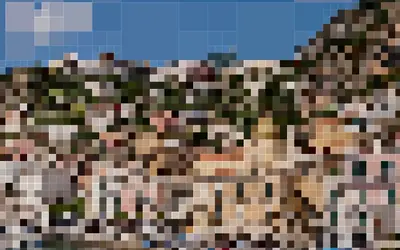 Quadtree ZoomSplits the picture into square tiles, small where there is detail and large where it is flat.
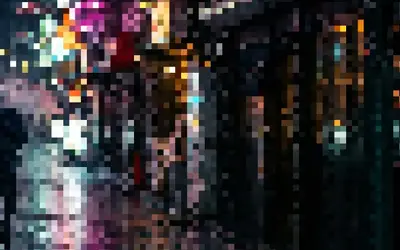 Scatter MosaicBreaks the image into tiles that sample from randomly jittered, drifting positions.
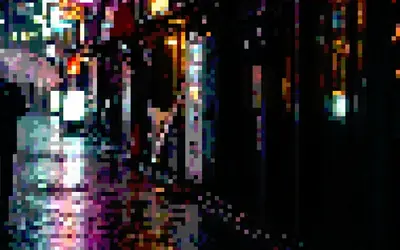 Pixel PosterPixelates the image into blocks and posterizes each to a few color levels.
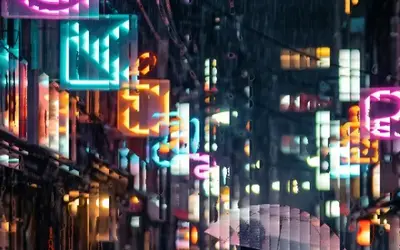 Pixel SortSorts short runs of pixels by brightness, so bright areas break into fine sideways streaks.
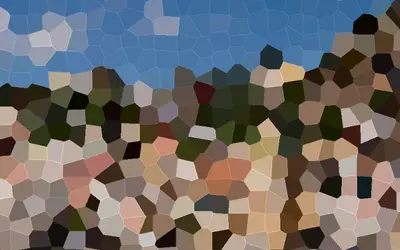 VoronoiBreaks the picture into irregular cells like cracked or stained glass, each filled with one colour and edged with a thin light line.
Print & Halftone
Section titled “Print & Halftone”Overview and which one to choose →
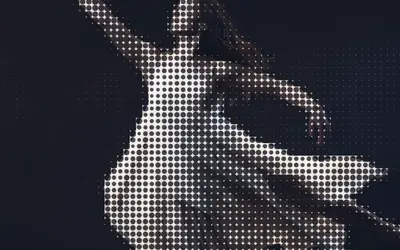 HalftonePrints the picture as a grid of round dots that grow in the dark parts, like a newspaper photo or a pop-art poster.
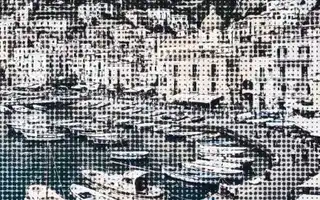 Pattern HalftoneHalftone screen of circle, diamond or line marks sized by image darkness, in Ink on Paper.
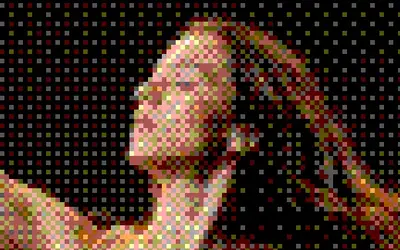 DitheringTurns the picture into big pixels of a few flat colours in a checked pattern, like an early computer screen.
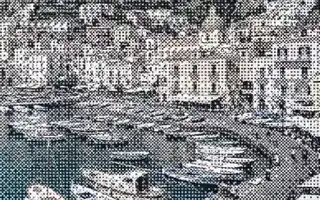 Dither StudioReduces the image to two ink colors using a selectable dither pattern.
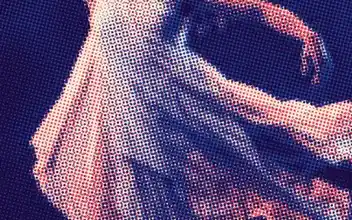 RisoPrints the picture in two inks of fine dots on cream paper, a little off register, like a risograph.
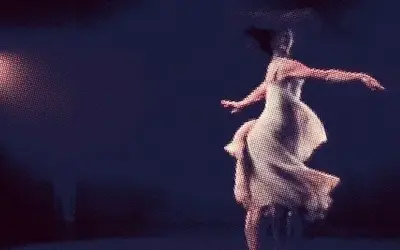 Riso GlowA two-ink riso print whose bright ink glows and slowly breathes, like fluorescent ink.
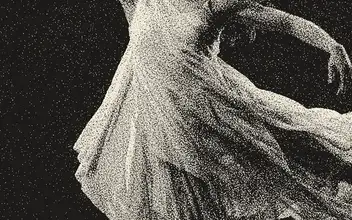 Paper PrintPrints the picture in one ink on paper, made of a fine grain, like an old mezzotint or a photo in a book.
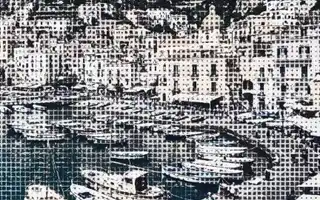 Tone GeometryReplaces the image with a grid of squares, circles or triangles sized by darkness, in Ink on Paper.
Lines & Engraving
Section titled “Lines & Engraving”Overview and which one to choose →
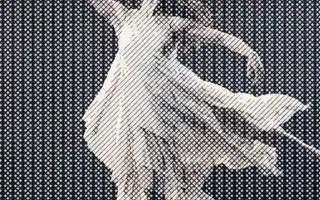 CrosshatchDraws the picture with crossing pen lines: more directions and heavier strokes where it is darker.
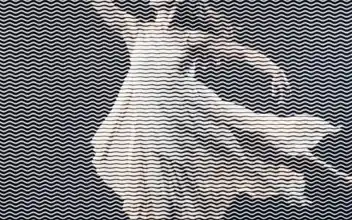 Vector EngravingDraws the picture with rows of wavy engraved lines: heavy and deeply waved where it is dark, fine and almost straight where it is light.
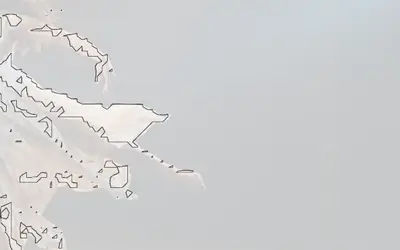 ContourDraws iso-contour lines where brightness crosses Iso Level, in Line color on Paper.
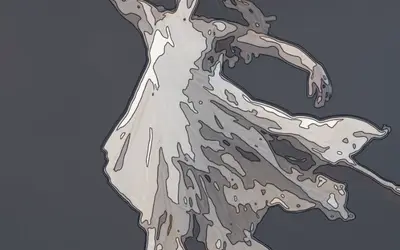 Contour MapTurns the picture into a map of its own light: bands from dark to light, like the height zones of a hiking map, with a fine contour line on every edge between two bands.
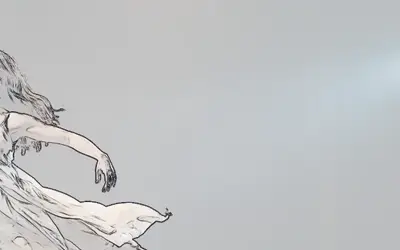 OutlineTurns the image into an edge drawing.
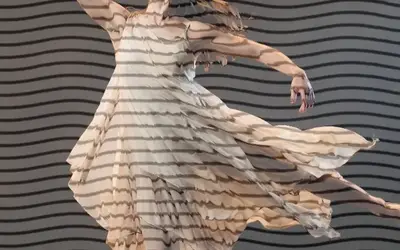 Wave LinesRedraws the picture as wavy lines on a plain background, a graphic line-art look.
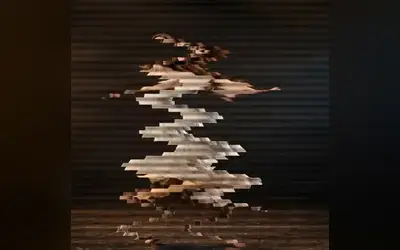 Drift LinesCuts the picture into thin bands that slide back and forth in a slow wave.
Textile & Craft
Section titled “Textile & Craft”Overview and which one to choose →
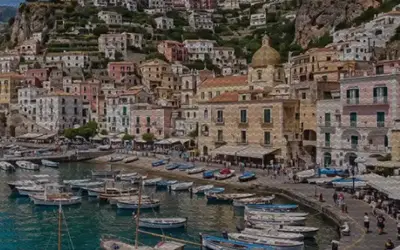 EmbroideryCovers the image in wavy animated thread rows tinted with the Ink color for a knitted fabric look.
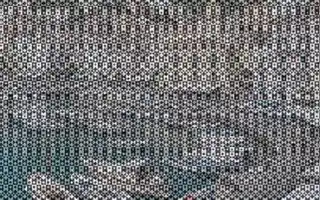 Kilim CarpetOverlays a woven diamond-and-stripe carpet pattern in two colors, shaded by image brightness.
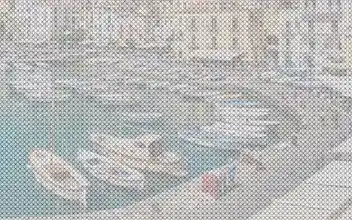 Cross StitchRenders the image as X-shaped cross stitches on Paper-colored fabric.
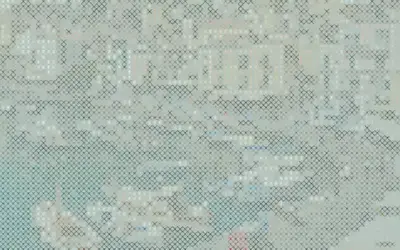 Stitch PosterCombines character art with cross-stitch X marks that get denser in dark areas over a paper-tinted background.
Text & Glyph
Section titled “Text & Glyph”Overview and which one to choose →
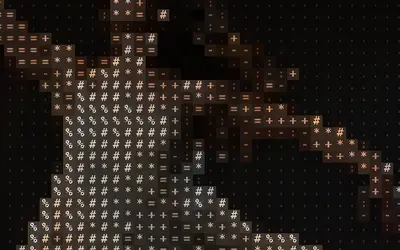 ASCIIRebuilds the picture from characters chosen by brightness: classic ASCII art in the picture's own colours.
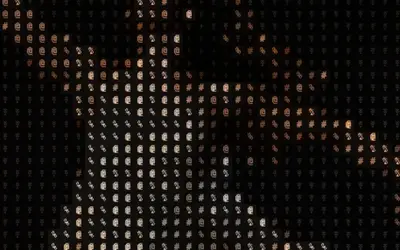 ASCII GhostASCII art whose characters cycle over time and leave fading ghost trails.
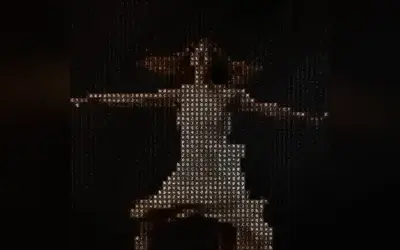 Glyph MatrixRebuilds the picture from characters that keep rolling on to their neighbours, in diagonal waves.
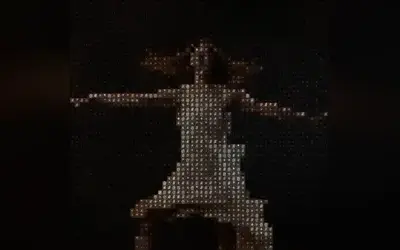 Symbol MatrixRebuilds the picture from small signs that twinkle: each cell swaps its sign at its own moment and breathes.
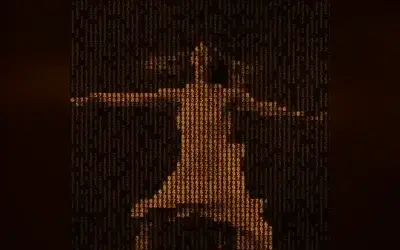 Retro MatrixTurns the picture into glowing text on an old computer screen that slowly scrolls upwards.
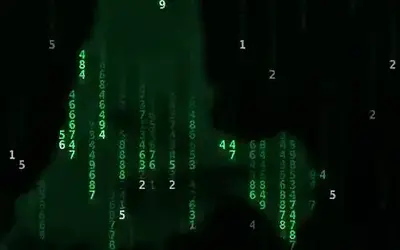 Matrix RainLets glowing code rain down the picture, and the figure appears in the falling characters.
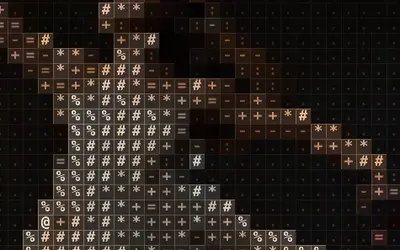 Grid GlyphRebuilds the picture from characters, each in its own ruled box, like a type case or a table of figures.
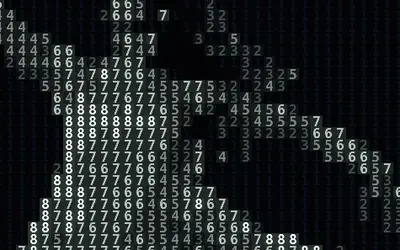 Number FieldRebuilds the picture from figures in a few flat colours, like a picture to paint by numbers.
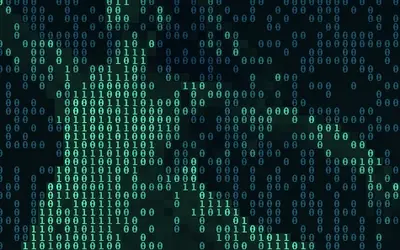 Pixel CodeWrites the picture in code: zeros and ones, denser and lighter where the picture is bright.
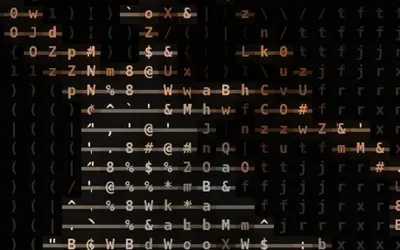 Word MosaicBuilds the image from rows of characters joined by thin connector strokes in brighter areas so they read like words.
 InscribeDraws characters only along brightness edges over a darkened image, like text etched into the outlines.
 Dither TextCharacter art dithered with a checkerboard threshold and flickering noise so glyphs show mostly in brighter cells.
 Data HatchingMixes cycling characters with diagonal hatching that thickens in darker areas.
 Dither GlowRenders glowing neon characters with soft cell halos, colored from Dark to Light by brightness.
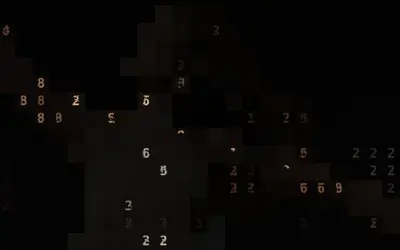 Contour TypePlaces numeric characters along brightness contour bands and edges, like a typographic topographic map.
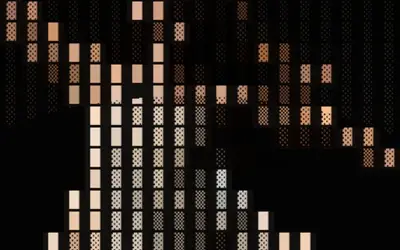 Brand GeneratorBlock-glyph art whose characters shift in concentric rings around the center, framed by a border, for a logo-like pattern.
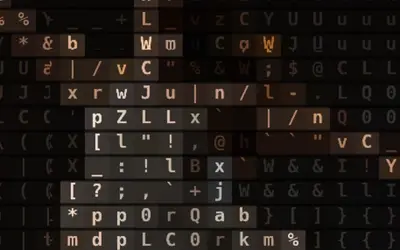 Tag PillsPlaces each character inside a faint rounded pill, like a cloud of UI tags, with glyphs cycling over time.
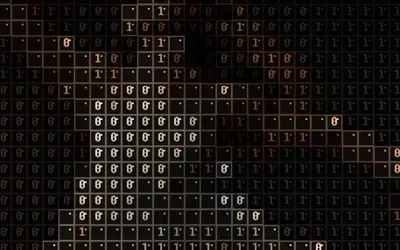 Creative UI CollageTurns the image into boxed UI-like cells with characters, borders and cursor dots that shuffle over time.
Analog & Glitch
Section titled “Analog & Glitch”Overview and which one to choose →
 Analog Signal LabSends the picture through a simulated PAL television chain: antenna, video tape and tube TV.
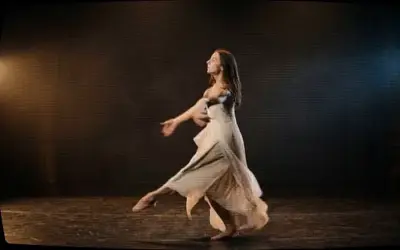 CRT ScreenTurns the picture into an old tube TV: glowing lines, fine red, green and blue stripes and a curved screen.
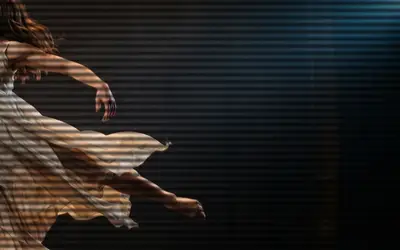 ScanlinesLays fine horizontal lines over the picture, like an old TV or computer monitor.
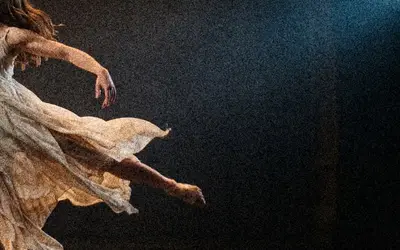 Film GrainAdds the fine, living texture of film.
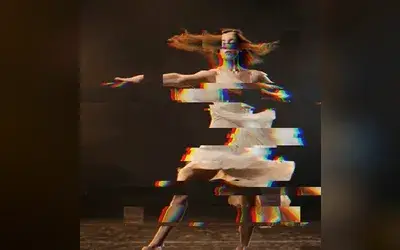 GlitchA broken digital signal: rows tear sideways, blocks jump and the colours split, in short bursts.
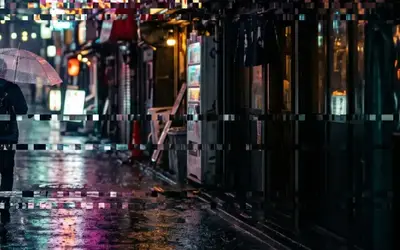 Glitch GridRandomly jumps grid cells sideways in flickering bursts for a blocky digital glitch.
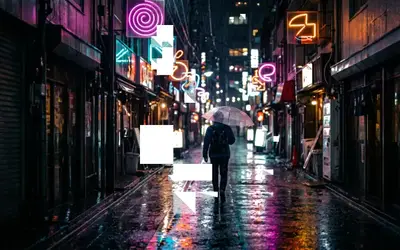 Block DissolveBreaks an object into blocks of different shapes, like a product render dissolving in a data glitch.
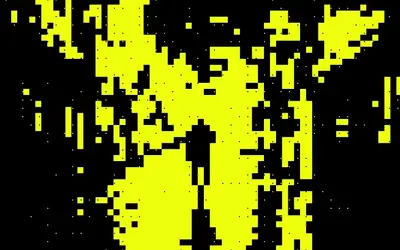 Block SilhouetteTurns the picture into a flat two-colour silhouette on a block grid, like a neon poster.
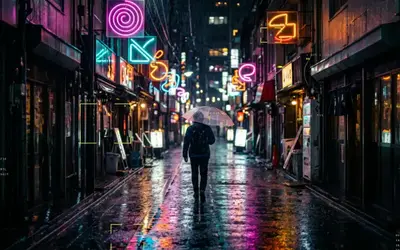 Data HUDDraws a measurement overlay over the object, like a product render under analysis.
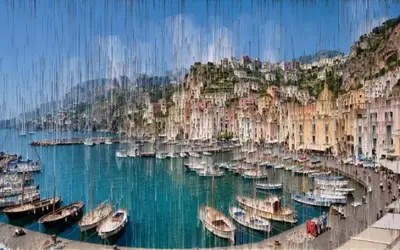 Pixel Sort BandsA pixel sorter whose streaks grow with Progress.
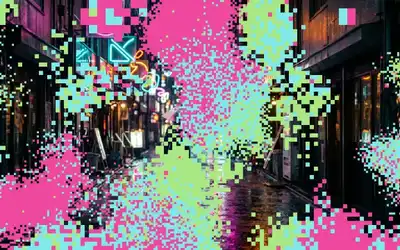 Block CloudSolid colour blocks on a grid that gather in drifting clouds and clear away as Progress falls.
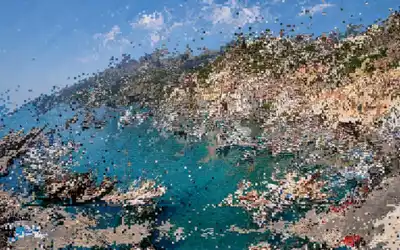 Flow MoshThe picture flows along its own contours in whole cells, like a datamosh: colours stream along the edges and in one drift direction, cells copy cells, some race ahead and leave copies behind, rows slip sideways.
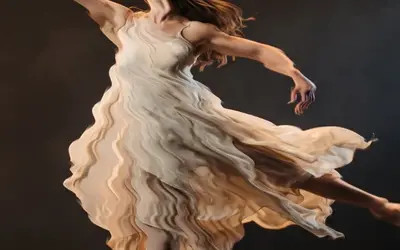 Ribbon ScanRolls soft horizontal ribbons down the picture that push it sideways, like a wobbling video signal.
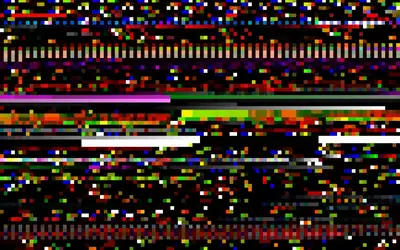 Memory LeakShows bytes the editor's video decoder left in memory as pixels: real data, not noise, for databending glitches.
Keying & Time
Section titled “Keying & Time”Overview and which one to choose →
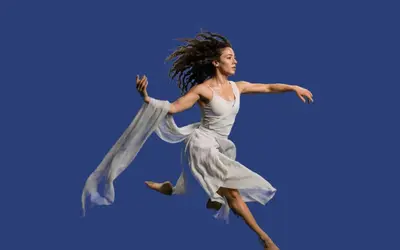 Chroma KeyMakes a green or blue screen transparent, so a performer can stand in front of any background.
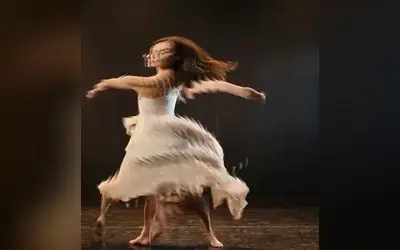 Slit ScanShows every part of the frame from a different moment, so movement smears and folds through the picture.
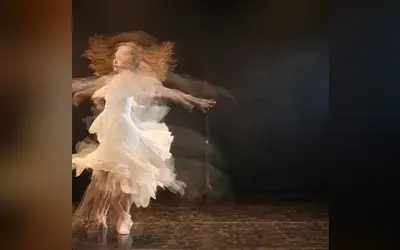 Time StackShows delayed copies of a moving video clip at once, like a long-exposure photo of a dance.
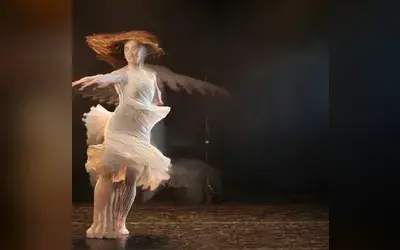 Motion TrailsLeaves fading light streaks behind everything that moves, like a dancer turning under a spotlight.
Tracking & Overlays
Section titled “Tracking & Overlays”Overview and which one to choose →
- Face CablesRopes that hang between points of a face and swing with gravity, wind and every head movement, like cables plugged into the performer.
- Hand ParticlesAdds drifting glowing particles around tracked hands in the Overlay color.
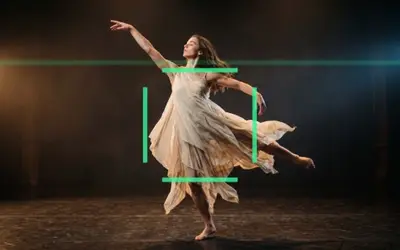 HUD TrackerOverlays a sci-fi HUD with a corner-bracket target box around the tracked subject.
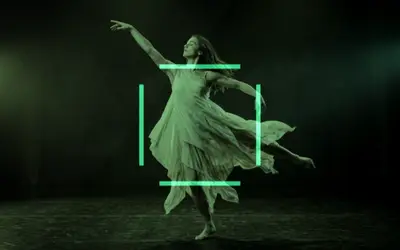 CCTVTurns footage into greenish monochrome security-camera video with scanlines, noise and a target box around the tracked subject.
- Subject HighlightSpotlights the tracked subject by keeping areas around face, body and hand landmarks bright while dimming the rest.
- Tracked SceneDraws tracked face landmarks as dots connected by lines in the Overlay color, like a motion-capture mesh.
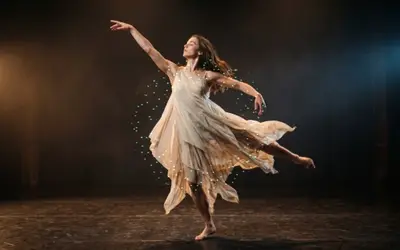 StardustScatters sparkling star particles in the Overlay color around the tracked landmarks, or a ring around the subject.
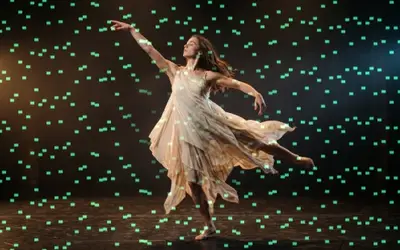 Rain RevealPours falling streaks of the Overlay color over the scene.
3D & Particles
Section titled “3D & Particles”Overview and which one to choose →
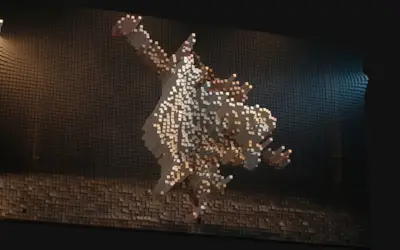 Voxel ReliefBuilds the picture out of small blocks in 3D: bright parts rise, dark parts stay low.
- Splat ExplorationStylizes a Gaussian splat clip by layering the splat with stretched light streaks, drifting particles and a wireframe surface mesh.
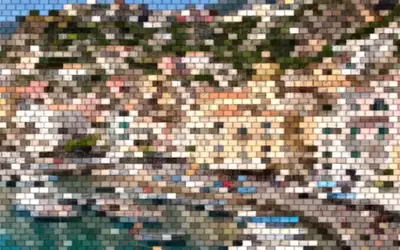 Toy BricksRebuilds the image from staggered, beveled toy bricks, each filled with one color.
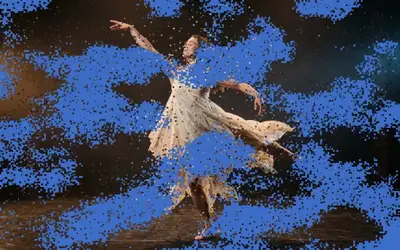 Pixel Particle DisintegrateThe picture breaks into small particles that blow away, as the clip's exit.
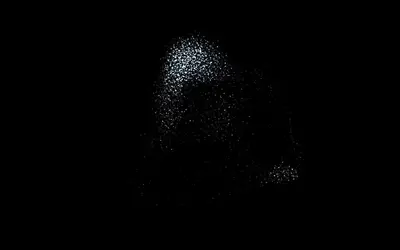 FlockingA swarm of birds, fish or sparks that moves by itself in 3D, with real depth, above the clip.
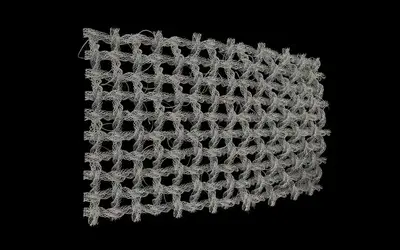 WeaveDraws threads of yarn in 3D: a net that weaves itself in, or a knitted jellyfish with pulsing ribbons.