
Analog & Glitch
Effects that make a picture look as if it came through an old TV, a worn tape or a broken digital signal. Add one in Properties → Effects → + Add Effect (Using effects).
 Analog Signal LabSends the picture through a simulated PAL television chain: antenna, video tape and tube TV.
 CRT ScreenTurns the picture into an old tube TV: glowing lines, fine red, green and blue stripes and a curved screen.
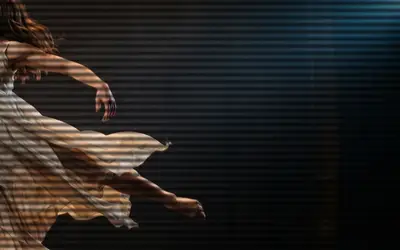 ScanlinesLays fine horizontal lines over the picture, like an old TV or computer monitor.
 Film GrainAdds the fine, living texture of film.
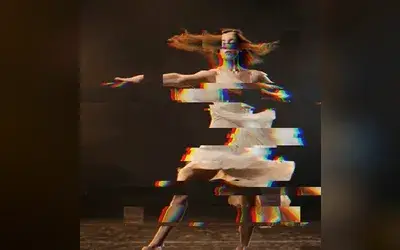 GlitchA broken digital signal: rows tear sideways, blocks jump and the colours split, in short bursts.
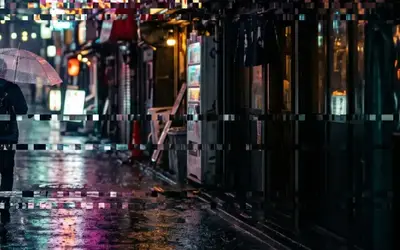 Glitch GridRandomly jumps grid cells sideways in flickering bursts for a blocky digital glitch.
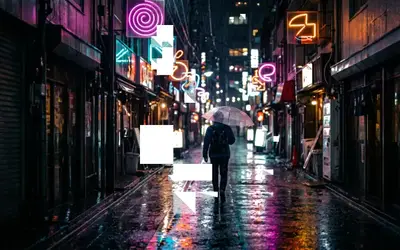 Block DissolveBreaks an object into blocks of different shapes, like a product render dissolving in a data glitch.
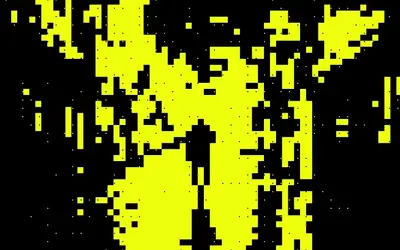 Block SilhouetteTurns the picture into a flat two-colour silhouette on a block grid, like a neon poster.
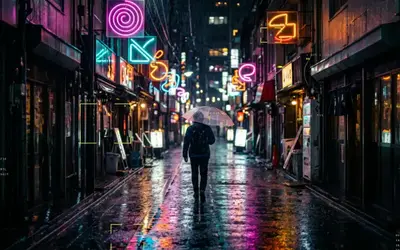 Data HUDDraws a measurement overlay over the object, like a product render under analysis.
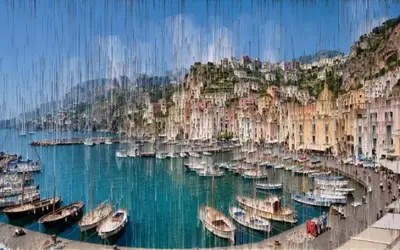 Pixel Sort BandsA pixel sorter whose streaks grow with Progress.
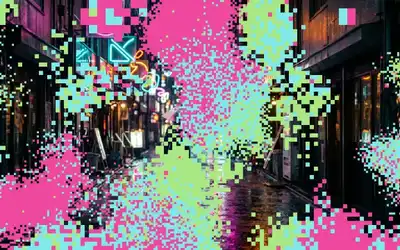 Block CloudSolid colour blocks on a grid that gather in drifting clouds and clear away as Progress falls.
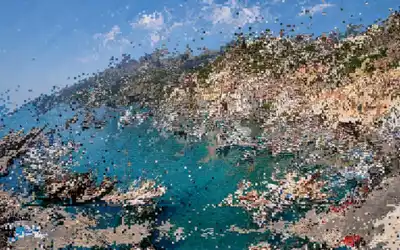 Flow MoshThe picture flows along its own contours in whole cells, like a datamosh: colours stream along the edges and in one drift direction, cells copy cells, some race ahead and leave copies behind, rows slip sideways.
 Ribbon ScanRolls soft horizontal ribbons down the picture that push it sideways, like a wobbling video signal.
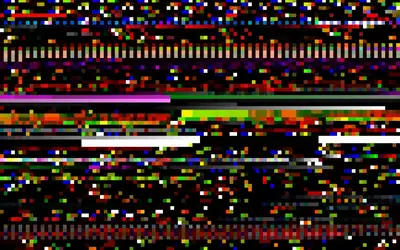 Memory LeakShows bytes the editor's video decoder left in memory as pixels: real data, not noise, for databending glitches.
Which one?
Section titled “Which one?”| Look | Use |
|---|---|
| a broadcast or a worn VHS tape, with real faults | Analog Signal Lab |
| an old tube TV: lines, stripes, curved glass | CRT Screen |
| TV lines over the picture, nothing else | Scanlines |
| film grain | Film Grain |
| a digital signal breaking up in bursts | Glitch |
| grid cells jumping sideways | Glitch Grid |
| soft waves pushing the picture sideways | Ribbon Scan |
| raw leftover memory shown as pixels | Memory Leak |
Related looks in other groups: Film Prism, Holo, Crystal Glass and Glass Dispersion under Lens & Distort, Pixel Sort under Pixel & Mosaic and Wave Lines under Lines & Engraving.
The shared idea
Section titled “The shared idea”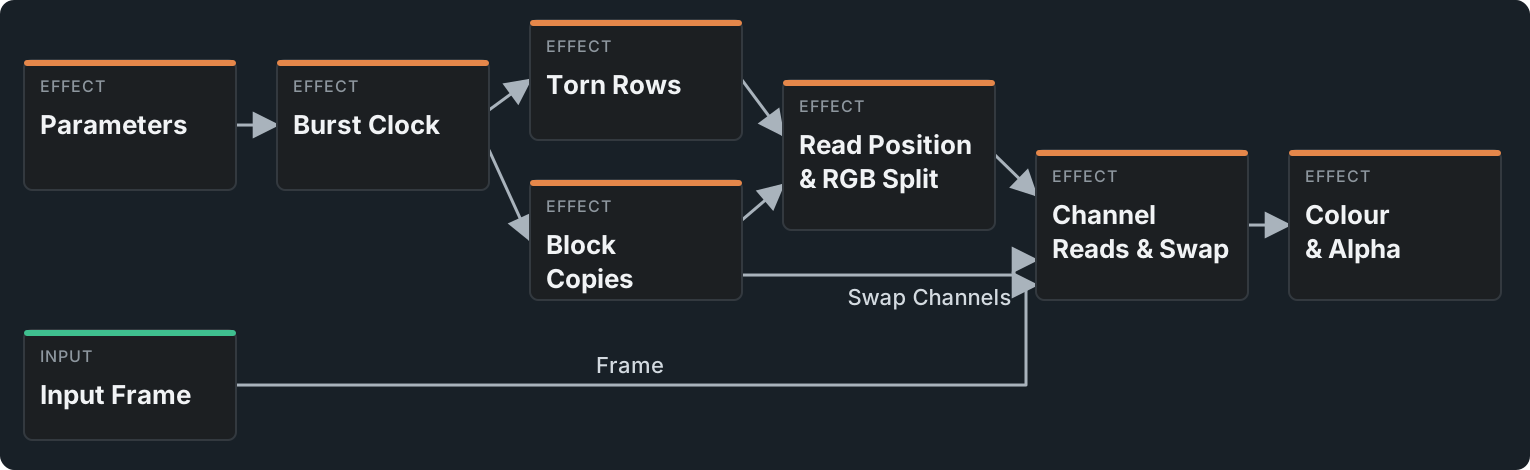
CRT Screen, Glitch, Film Prism, Holo and Ribbon Scan are small node graphs you can open and change; the first three open as stage folders. All of them first decide where to read the picture, then what light to show. In Glitch, Burst Clock decides when the signal breaks, Torn Rows and Block Copies decide where, and the last stages read the picture there and put the colours back together. CRT Screen bends the read position into a tube, Film Prism spreads it into seven reads along a rainbow.
Sizes count against the frame (lines per picture height, pixels at 1080 lines), so the export, 4K and a full-quality preview look the same. Every random choice comes from a Random (Integer Hash) node keyed by whole numbers, so a frame looks the same every time you play or scrub back to it.
Technical details
Section titled “Technical details”The effects follow timeline time: the preview, scrubbing and the export match, and Speed 0 freezes them. Values outside a control’s range are clamped and named in the card. Crystal Glass, Glass Dispersion and Pixel Sort are marked Experimental; their card says why.
Developer notes: Effect system: Analog & Glitch notes.