
Textile & Craft
Lay a fabric over the picture: embroidery threads, a woven carpet, cross stitches or stitched character art. Add one in Properties → Effects → + Add Effect → Textile & Craft (Using effects).
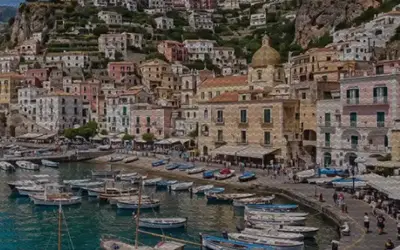 EmbroideryCovers the image in wavy animated thread rows tinted with the Ink color for a knitted fabric look.
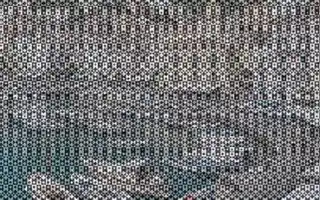 Kilim CarpetOverlays a woven diamond-and-stripe carpet pattern in two colors, shaded by image brightness.
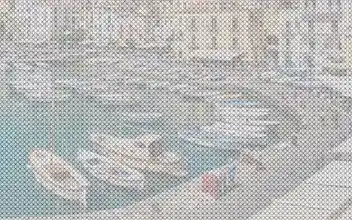 Cross StitchRenders the image as X-shaped cross stitches on Paper-colored fabric.
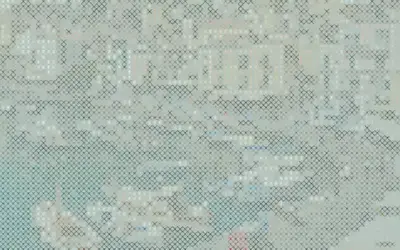 Stitch PosterCombines character art with cross-stitch X marks that get denser in dark areas over a paper-tinted background.
Which one?
Section titled “Which one?”| Look | Use |
|---|---|
| rows of thread tinted with one colour | Embroidery |
| a two-colour diamond-and-stripe carpet | Kilim Carpet |
| X-shaped stitches on fabric | Cross Stitch |
| character art with stitched X marks | Stitch Poster |
The shared idea
Section titled “The shared idea”Each effect repeats a small fabric pattern in a grid over the picture and lets the picture show through it: its colours (Embroidery, Cross Stitch) or its brightness (Kilim Carpet, Stitch Poster) decide how each cell looks.
- Scale (Stitch Size, Cell Size) sets the size of one stitch or pattern cell.
- Ink tints the threads; Paper is the fabric (Kilim Carpet uses both as its two yarn colours).
- Amount mixes back towards the original.
Embroidery’s threads ripple slowly during playback. Stitch Poster is a look of the glyph engine; the others share the pattern engine of Print & Halftone.
Technical details
Section titled “Technical details”Pattern sizes are measured in pixels. More: Effect system.