
Text & Glyph
Rebuild the picture from characters: ASCII art, digital rain, terminal text and typographic patterns. They share one set of controls, and all but ASCII Ghost are styles of one glyph engine. Add one in Properties → Effects → + Add Effect → Text & Glyph (Using effects).
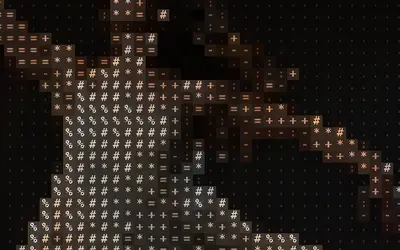 ASCIIRebuilds the picture from characters chosen by brightness: classic ASCII art in the picture's own colours.
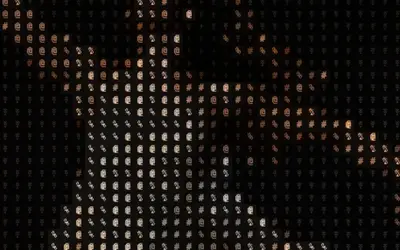 ASCII GhostASCII art whose characters cycle over time and leave fading ghost trails.
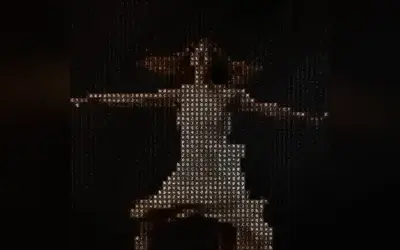 Glyph MatrixRebuilds the picture from characters that keep rolling on to their neighbours, in diagonal waves.
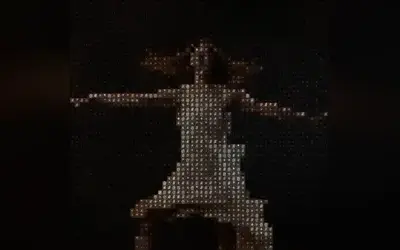 Symbol MatrixRebuilds the picture from small signs that twinkle: each cell swaps its sign at its own moment and breathes.
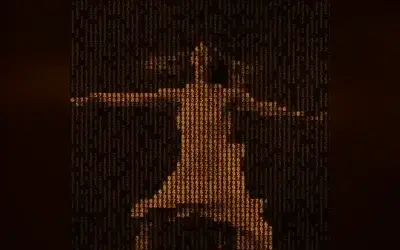 Retro MatrixTurns the picture into glowing text on an old computer screen that slowly scrolls upwards.
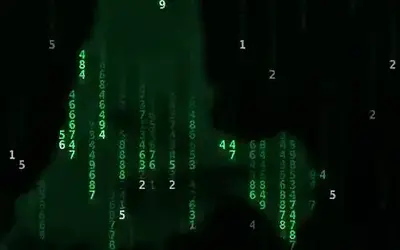 Matrix RainLets glowing code rain down the picture, and the figure appears in the falling characters.
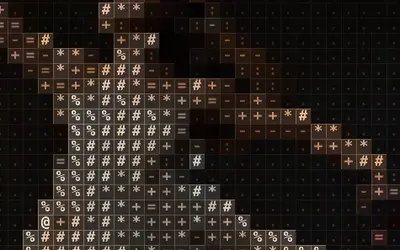 Grid GlyphRebuilds the picture from characters, each in its own ruled box, like a type case or a table of figures.
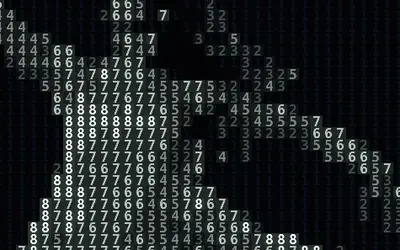 Number FieldRebuilds the picture from figures in a few flat colours, like a picture to paint by numbers.
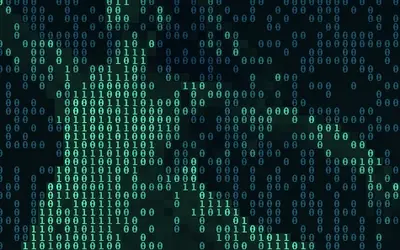 Pixel CodeWrites the picture in code: zeros and ones, denser and lighter where the picture is bright.
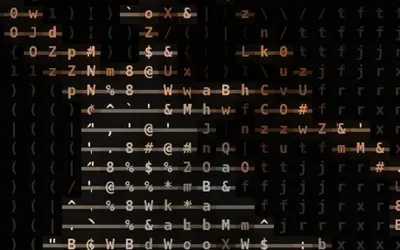 Word MosaicBuilds the image from rows of characters joined by thin connector strokes in brighter areas so they read like words.
 InscribeDraws characters only along brightness edges over a darkened image, like text etched into the outlines.
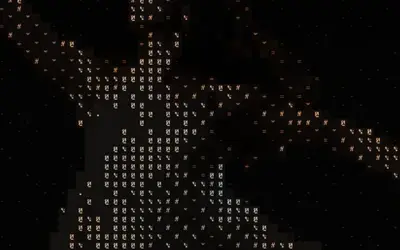 Dither TextCharacter art dithered with a checkerboard threshold and flickering noise so glyphs show mostly in brighter cells.
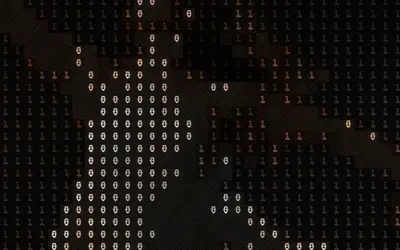 Data HatchingMixes cycling characters with diagonal hatching that thickens in darker areas.
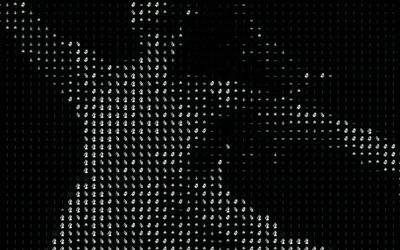 Dither GlowRenders glowing neon characters with soft cell halos, colored from Dark to Light by brightness.
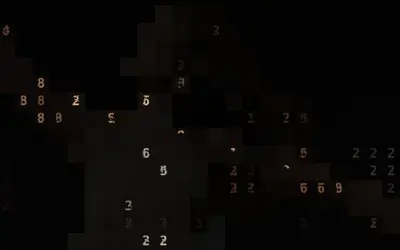 Contour TypePlaces numeric characters along brightness contour bands and edges, like a typographic topographic map.
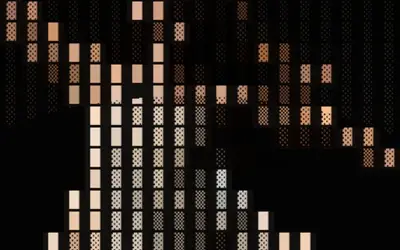 Brand GeneratorBlock-glyph art whose characters shift in concentric rings around the center, framed by a border, for a logo-like pattern.
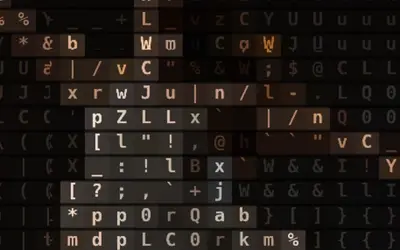 Tag PillsPlaces each character inside a faint rounded pill, like a cloud of UI tags, with glyphs cycling over time.
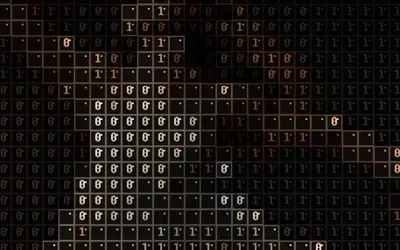 Creative UI CollageTurns the image into boxed UI-like cells with characters, borders and cursor dots that shuffle over time.
Which one?
Section titled “Which one?”What each style changes; everything else works the same.
| Look | Style |
|---|---|
| characters chosen by brightness, in the picture’s colours | ASCII |
| characters that cycle and leave fading ghosts | ASCII Ghost |
| characters that roll on to their neighbours in diagonal waves | Glyph Matrix |
| signs that twinkle: each swaps for a neighbour at its own moment and breathes | Symbol Matrix |
| glowing terminal text that scrolls up through the picture, with scanlines | Retro Matrix |
| code that rains down in streaks with bright heads, the figure glowing in it | Matrix Rain |
| characters, each in its own ruled box, like a type case or a table of figures | Grid Glyph |
| figures in a few flat colours, like a picture to paint by numbers | Number Field |
| zeros and ones that write the picture, denser and lighter where it is bright | Pixel Code |
| rows of characters joined like words | Word Mosaic |
| characters only along the edges | Inscribe |
| characters in a flickering dither | Dither Text |
| characters mixed with diagonal hatching | Data Hatching |
| glowing neon characters with halos | Dither Glow |
| digits along the brightness contours | Contour Type |
| block characters in rings inside a frame, like a logo | Brand Generator |
| characters in rounded tag pills | Tag Pills |
| boxed interface cells with cursors | Creative UI Collage |
The shared idea
Section titled “The shared idea”The engine cuts the picture into a grid of cells. Each cell’s brightness picks a character from a ramp, a row of characters from light to dense, and the style decides how the character is drawn and coloured.
- Cell Size – the size of one character, in pixels of a 1080p frame, so the preview, the thumbnails and a 4K export show the same characters. An effect saved before this version keeps its stored setup and the earlier Cell Size in output pixels, so its preview and an export at another size show different grids; add it again for the 1080p grid. Presets fully apply only to effects added in this version: a stored setup from before has no Background, Black Level, Roll or own-look rows, so a preset leaves those values out. At the default 14 they are small; 24 or more reads well on a projection.
- Background – how much of the picture fills each cell behind its character: 0 is the dark ground of classic ASCII art, 1 the full colour. New effects start at 0.2 (Matrix Rain at 0.3, a soft glow of the figure behind its rain), so the picture stays readable; effects saved earlier keep their dark ground.
- Black Level – the brightness up to which the picture counts as black: darker parts get the first character of the ramp (a space in most ramps; with Invert Ramp the last, densest one), so a grey stage drops out and only the lit figure is drawn; in the moving looks those cells also stop rolling, even at Roll 1. 0 (the default, also for saved effects) keeps the picture’s tones; 0.15–0.25 suits stage footage.
- Ramp – the set of characters (Standard, Detailed, Blocks, Bars, Binary, Numeric, Symbols), or your own in Custom Ramp: one character puts the same sign in every cell, more than 256 are thinned to 256. Characters fill most of the cell height; Blocks and Bars are exact shapes that join without seams in any font. Font and Weight change the lettering. While a Custom Ramp is typed, the card dims Ramp.
- Amount – fades from the untouched picture (0) to the full look (1).
- Color Source – Source takes the picture’s colours; Duotone draws between Dark and Light. Pixel Code uses its own Shadow and Highlight, Matrix Rain its Rain Color, Retro Matrix its Phosphor colour, Number Field and Dither Glow always draw between Dark and Light; their cards hide what they do not use, and dim Dark and Light while Color Source is Source.
- Invert Ramp swaps light and dense characters; Speed sets how fast the moving styles change; they move with the playhead and stand still when it stops, and a keyframed Speed speeds up smoothly.
- Roll – how much of the ramp the characters of a moving style roll through, around the character of their own brightness: 0 holds them still, 1 runs through the whole ramp. Glyph Matrix starts at 0.2, Retro Matrix at 0.3, Symbol Matrix at 0.4 and Matrix Rain at 0.5, so their figures stay readable; the other moving styles start at 1, their look before Roll existed. Where Roll is the only motion (Glyph Matrix, Data Hatching, Dither Glow, Tag Pills, Creative UI Collage, ASCII Ghost), Roll 0 holds the characters still and the card says that Speed then does nothing.
- Retro Matrix adds Scanlines (the lines of an old screen) and Phosphor, Symbol Matrix Twinkle (how deep its signs breathe), Matrix Rain Rain Color and Trail (how long its falling tails are), Grid Glyph Line Width and Line Glow (its ruled lines), Number Field Steps (how many flat colours), Pixel Code Scramble (how random its characters are); see their pages.
Tip: bright, contrasty footage reads best. For pure characters on black, set Background to 0 and Black Level to about 0.2; for a projection, raise Cell Size to 24 or more. The Style menu in the card switches to another look of the engine and keeps your values and keyframes.
Technical details
Section titled “Technical details”The characters are drawn from a font atlas the engine builds for the chosen Ramp, Font and Weight. More: Effect system: glyph, cell and compute effects.